
Monster Candy Box SVG – Halloween Treat Box Laser Cut File (DXF, CDR, AI, PDF)
3,79 $
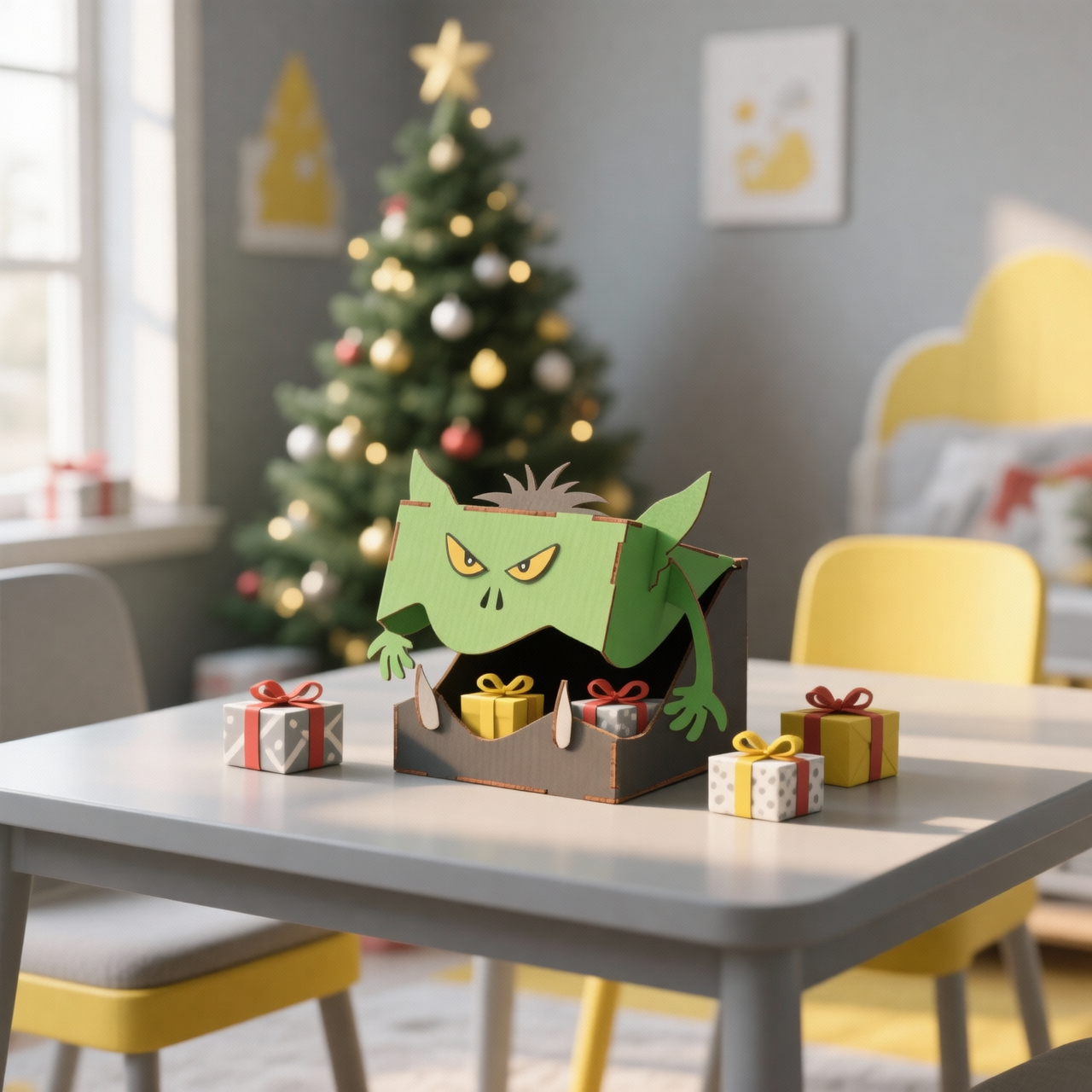
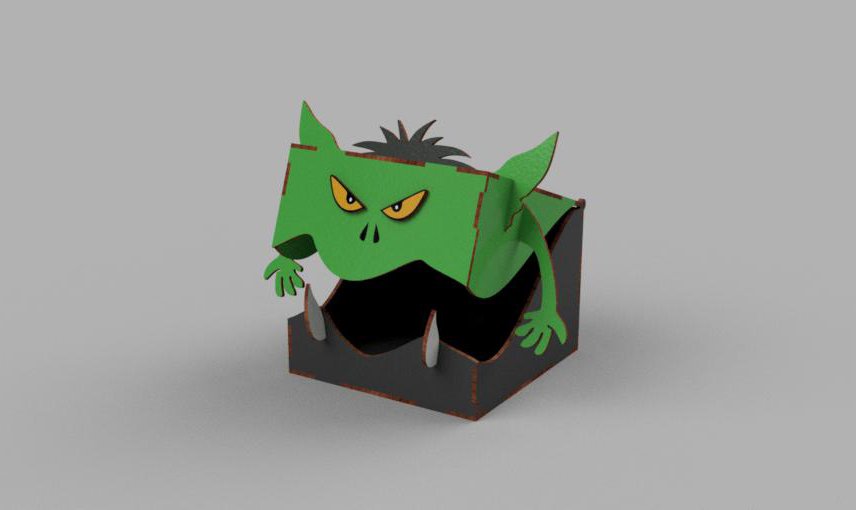
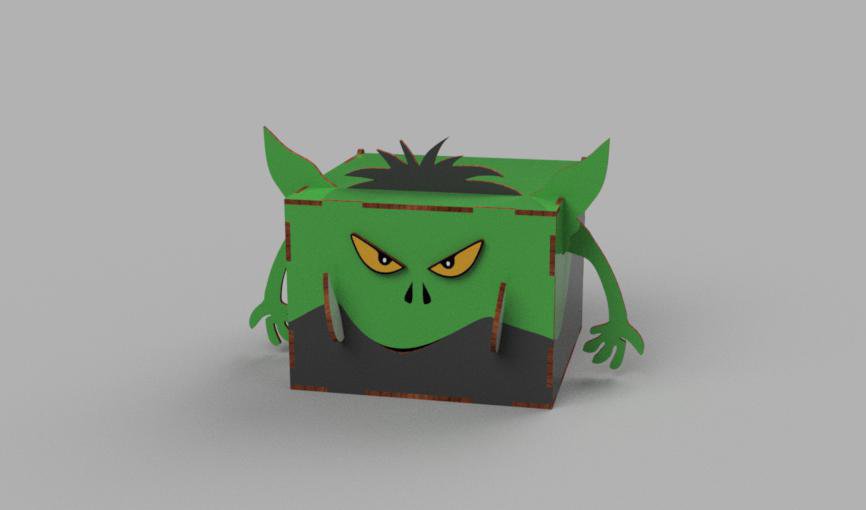
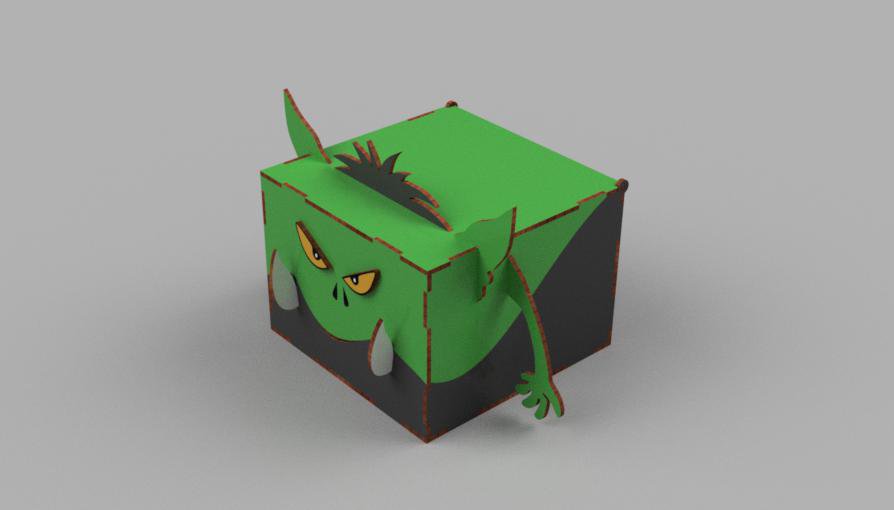
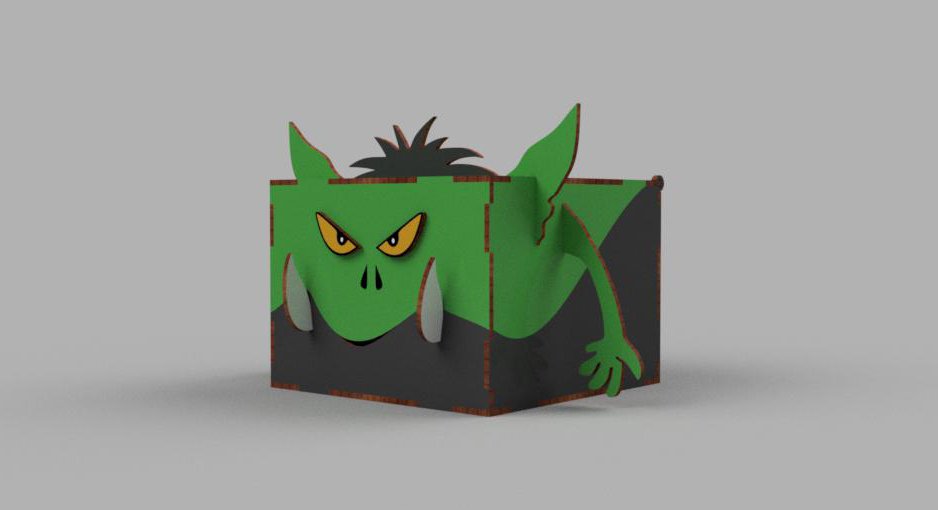
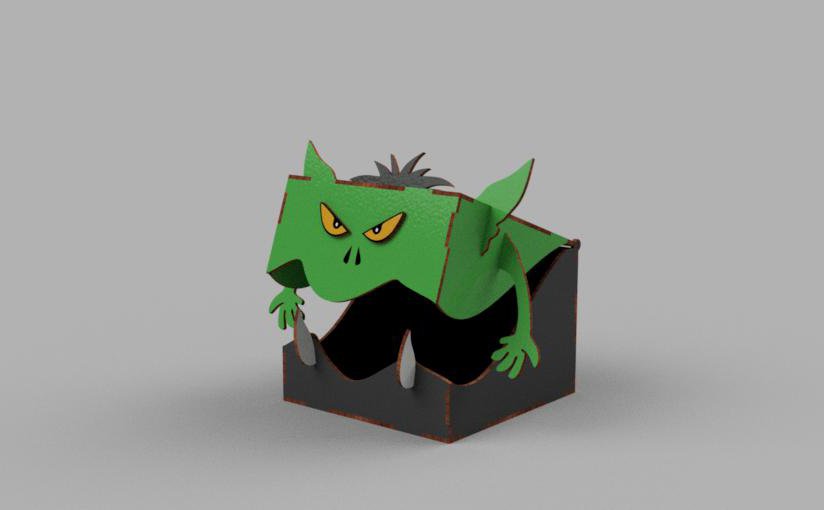
Green monster candy box with fangs and an open mouth, a 3D Halloween treat box that assembles without glue.
Assembled size
3 mm → 150 × 150 × 120 mm · 5.9 × 5.9 × 4.7 in
4 mm → 200 × 200 × 160 mm · 7.9 × 7.9 × 6.3 in
5 mm → 250 × 250 × 180 mm · 9.8 × 9.8 × 7.1 in
6 mm → 300 × 300 × 240 mm · 11.8 × 11.8 × 9.4 in
8 mm → 400 × 400 × 320 mm · 15.7 × 15.7 × 12.6 in
10 mm → 500 × 500 × 400 mm · 19.7 × 19.7 × 15.7 in
Files: SVG · DXF · CDR · AI · PDF
Material: plywood or acrylic, 3 / 4 / 5 / 6 / 8 / 10 mm (0.12 / 0.16 / 0.2 / 0.24 / 0.31 / 0.39 in)
Works with: Glowforge, xTool, CO2 and diode lasers
Description
This monster candy box laser cut file turns a few sheets of plywood into a grinning green monster with sharp fangs and a wide open mouth that holds sweets. The monster candy box is a 3D box that assembles without glue, so it makes a fast, fun Halloween project for makers of every level. Download the vector files, cut them on your laser, and you have a handmade treat holder ready for the party table within an hour.
The design comes in six material thicknesses, from 3 mm up to 10 mm, so the same monster candy box can be a small party favor or a large display piece. Every size is already scaled for the matching plywood or acrylic thickness, which means tight joints and no manual resizing. Instant download after payment, with five file formats included.
Where to use this monster candy box
- Halloween trick-or-treat bowl on the porch or the front door table
- Kids party favor boxes, one monster for every guest
- Classroom and school Halloween parties with a handmade monster candy holder
- Table decoration for Halloween dinners, bars and cafes
- Craft fair and Etsy-style seasonal products made from plywood
- Gift for a child who loves monsters, filled with sweets or small toys
Because the monster candy box is cut from flat sheets, you can make a whole group of them in one session and paint each monster in a different color.
Why choose this design
A good monster candy box should look great and still be easy to build. This model has clearly marked tabs, a strong box body and a face that is cut from separate layers, so the monster has real depth. The fangs, ears and hair spikes slot into place without special tools. The files are clean vectors, so they open directly in LightBurn, Glowforge App, xTool Creative Space, Inkscape, Illustrator and CorelDRAW.
You can leave the plywood natural for a rustic Halloween look, stain it dark, or paint the monster green with black details. Many makers also cut the monster candy box from colored acrylic for a bright, glossy result. With six sizes included, one purchase covers a small favor box and a big statement piece.
Technical details of the monster candy box file
What is included
You receive the complete monster candy box cutting layout in five vector formats. All parts of the monster are nested and ready to cut, and the file contains one version for each of the six material thicknesses.
Dimensions (assembled)
- 3 mm material: 150 × 150 × 120 mm (5.9 × 5.9 × 4.7 in)
- 4 mm material: 200 × 200 × 160 mm (7.9 × 7.9 × 6.3 in)
- 5 mm material: 250 × 250 × 180 mm (9.8 × 9.8 × 7.1 in)
- 6 mm material: 300 × 300 × 240 mm (11.8 × 11.8 × 9.4 in)
- 8 mm material: 400 × 400 × 320 mm (15.7 × 15.7 × 12.6 in)
- 10 mm material: 500 × 500 × 400 mm (19.7 × 19.7 × 15.7 in)
Sizes are given as length × width × height of the assembled monster box. Choose the version that matches the thickness of your sheet.
File formats
- SVG for Glowforge, xTool, LightBurn and Inkscape
- DXF for most CAD and CNC software
- CDR for CorelDRAW
- AI for Adobe Illustrator
- PDF for viewing and printing
Compatible machines
The monster candy box files work with Glowforge, xTool, Epilog, Thunder Laser, OMTech and other CO2 and diode lasers. Plywood, MDF, birch and acrylic all cut well. Check the kerf of your machine and adjust the joints if you use a material with a different thickness than listed.
How it works
- Buy and download the files instantly from your account or the email receipt.
- Pick the file for your sheet thickness and cut the parts on your laser.
- Assemble the box, add the monster face layers and the fangs, then paint or finish it.
License
You may use the monster candy box files to make physical products for personal use and to sell finished items. Reselling or sharing the digital files themselves is not allowed.
Questions and support
If anything is unclear about the monster candy box files, write to us through the contact page and we will help you with settings, sizes or file formats.
Assembly and finishing tips
Test the fit with a scrap piece first, sand the edges lightly and use a small amount of wood glue only if you want a permanent box. For more advice on choosing sheet material, read our guide to the best plywood for laser cutting.
FAQ
What size is the monster candy box?
The assembled monster candy box measures 150 × 150 × 120 mm (5.9 × 5.9 × 4.7 in) with 3 mm material and scales up to 500 × 500 × 400 mm (19.7 × 19.7 × 15.7 in) with 10 mm material.
Does the monster candy box need glue?
No. The parts are designed to fit together with tabs and slots, so glue is optional.
Can I cut it from acrylic or MDF?
Yes. Use the file that matches your sheet thickness, and the monster candy box will fit together the same way as in plywood.
Will it work with my Glowforge or xTool?
Yes. The SVG file opens directly in the Glowforge App and xTool Creative Space, and the other formats cover most laser and CAD programs.
More laser cut projects
Looking for more ideas after this monster candy box? Browse our gift and party favor boxes, our planters and flower pots and the laser cut SVG bundles. New to cutting? Start with the beginner’s guide to laser cut 3D models. You can also read about laser cutting on Wikipedia.
Related products
-
-
Sale!
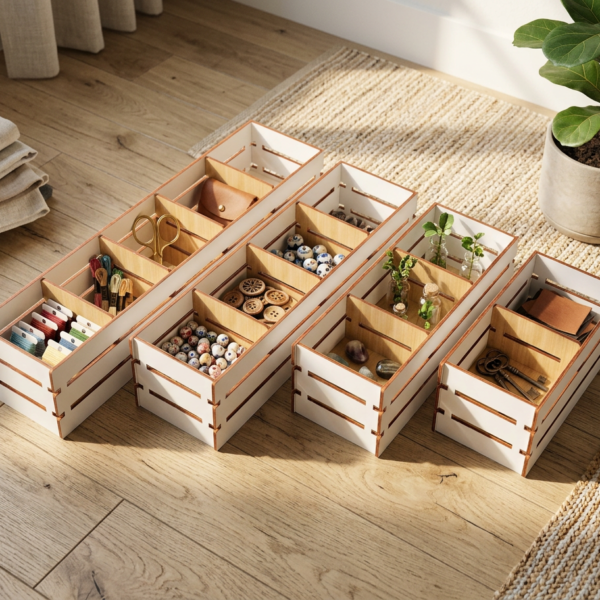
Desk Organizer Laser Cut SVG – Wooden Crate Bundle of 4 (DXF, CDR, AI, PDF)
Original price was: 3,29 $.1,00 $Current price is: 1,00 $. -
-
Reviews
There are no reviews yet.