
Apple Box Template SVG – Candy Dish Laser Cut File (DXF, CDR, AI, PDF)
$3.50
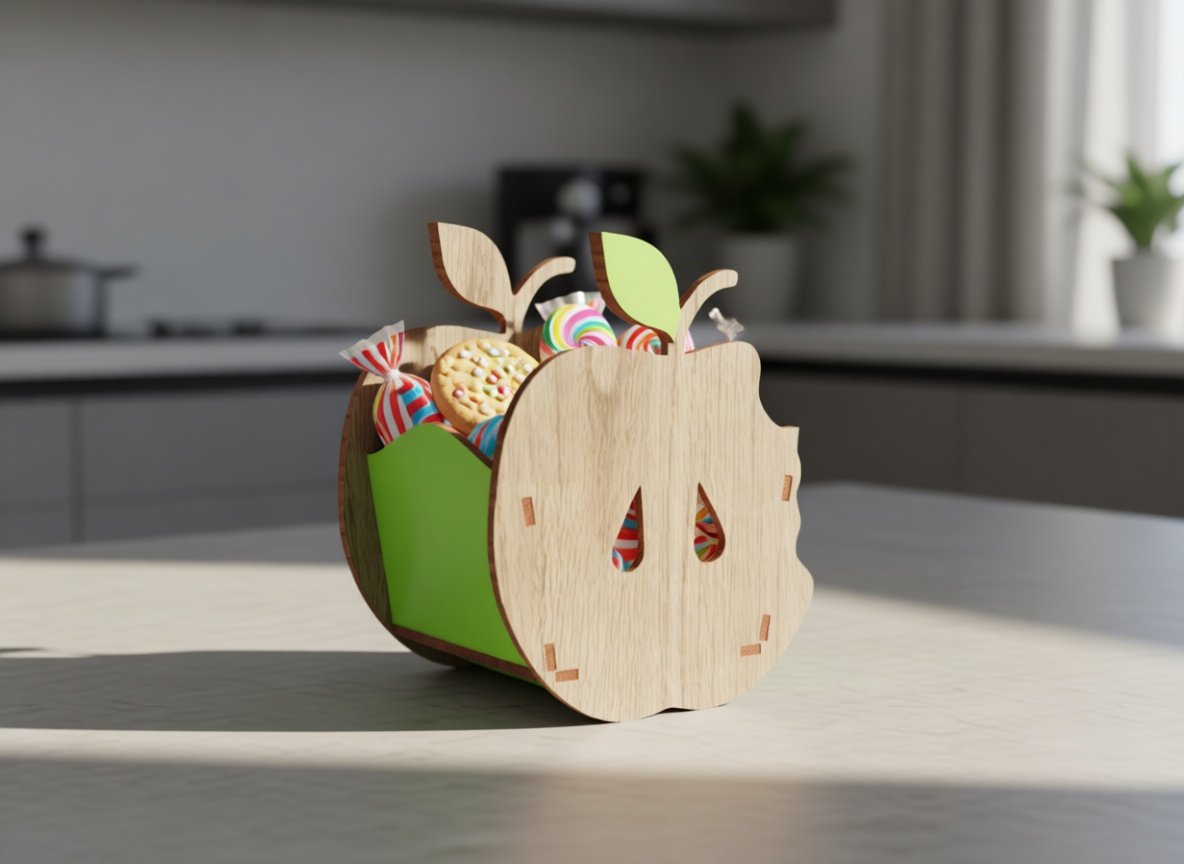
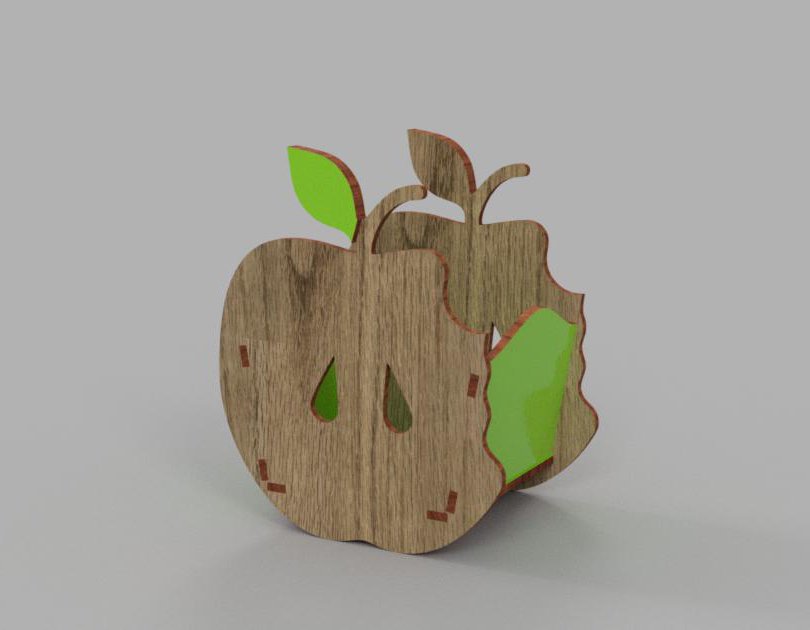
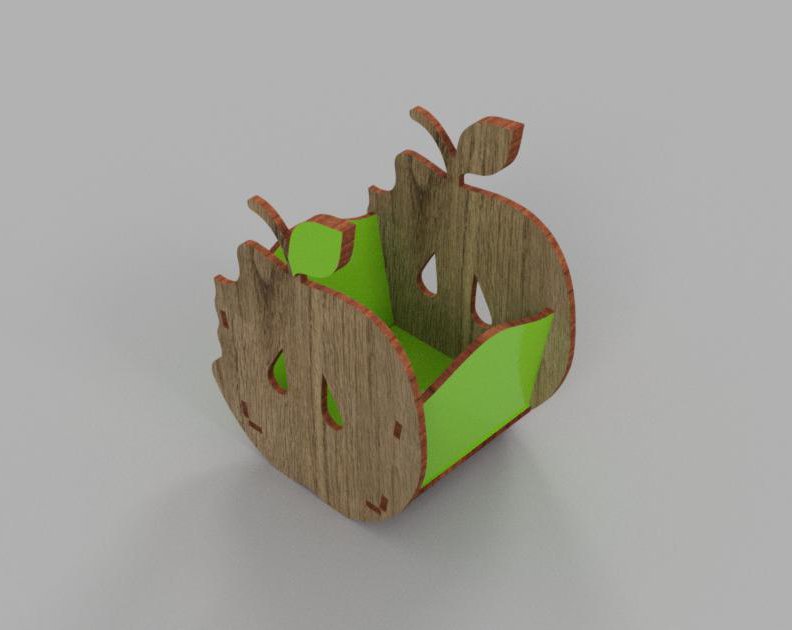
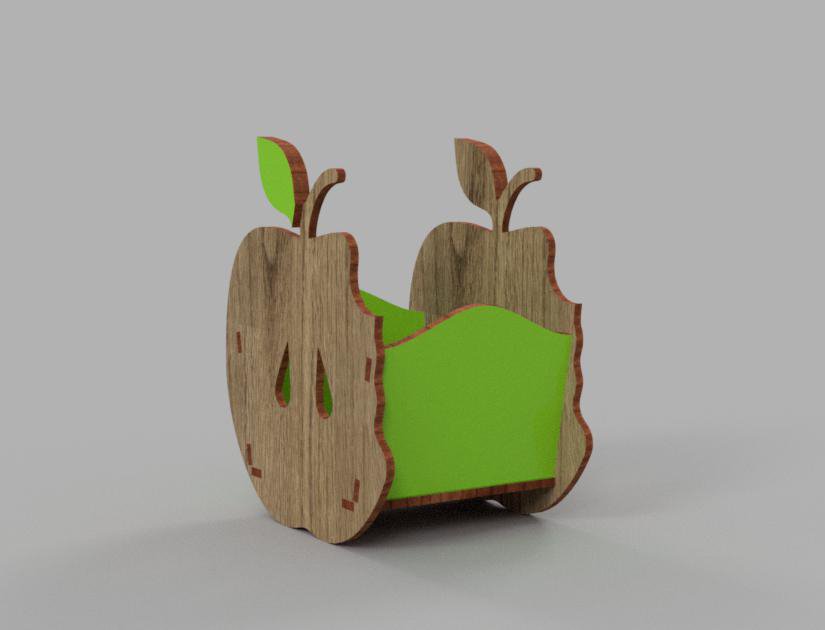
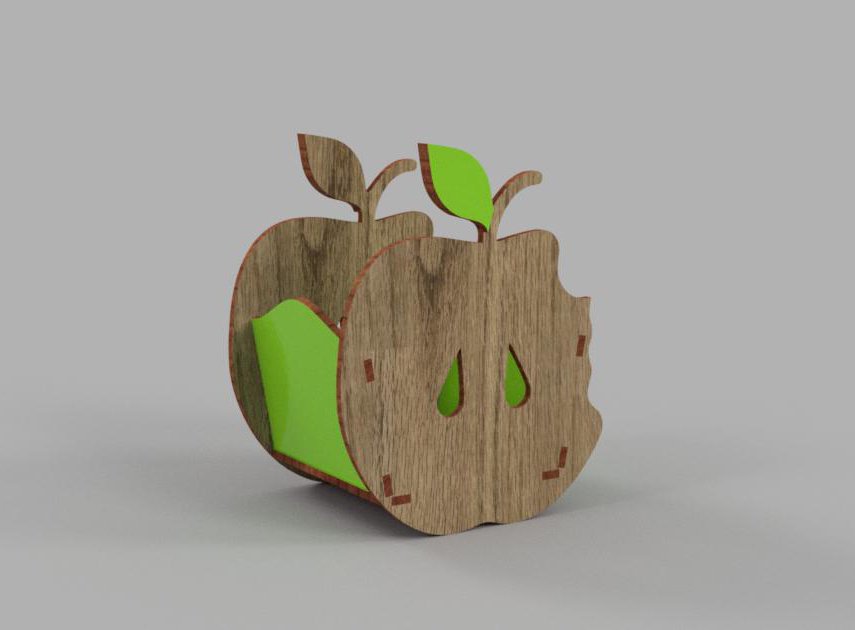
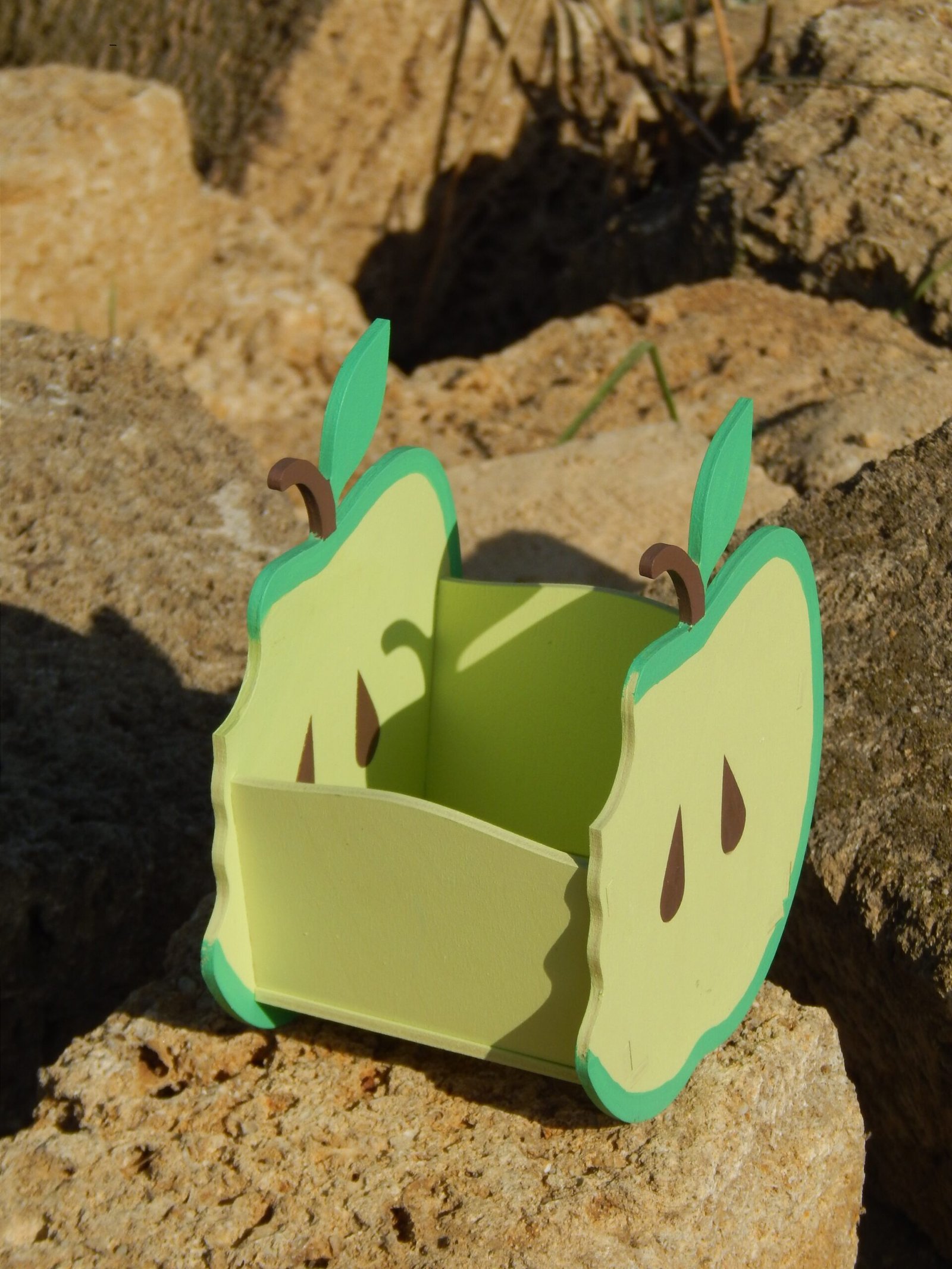
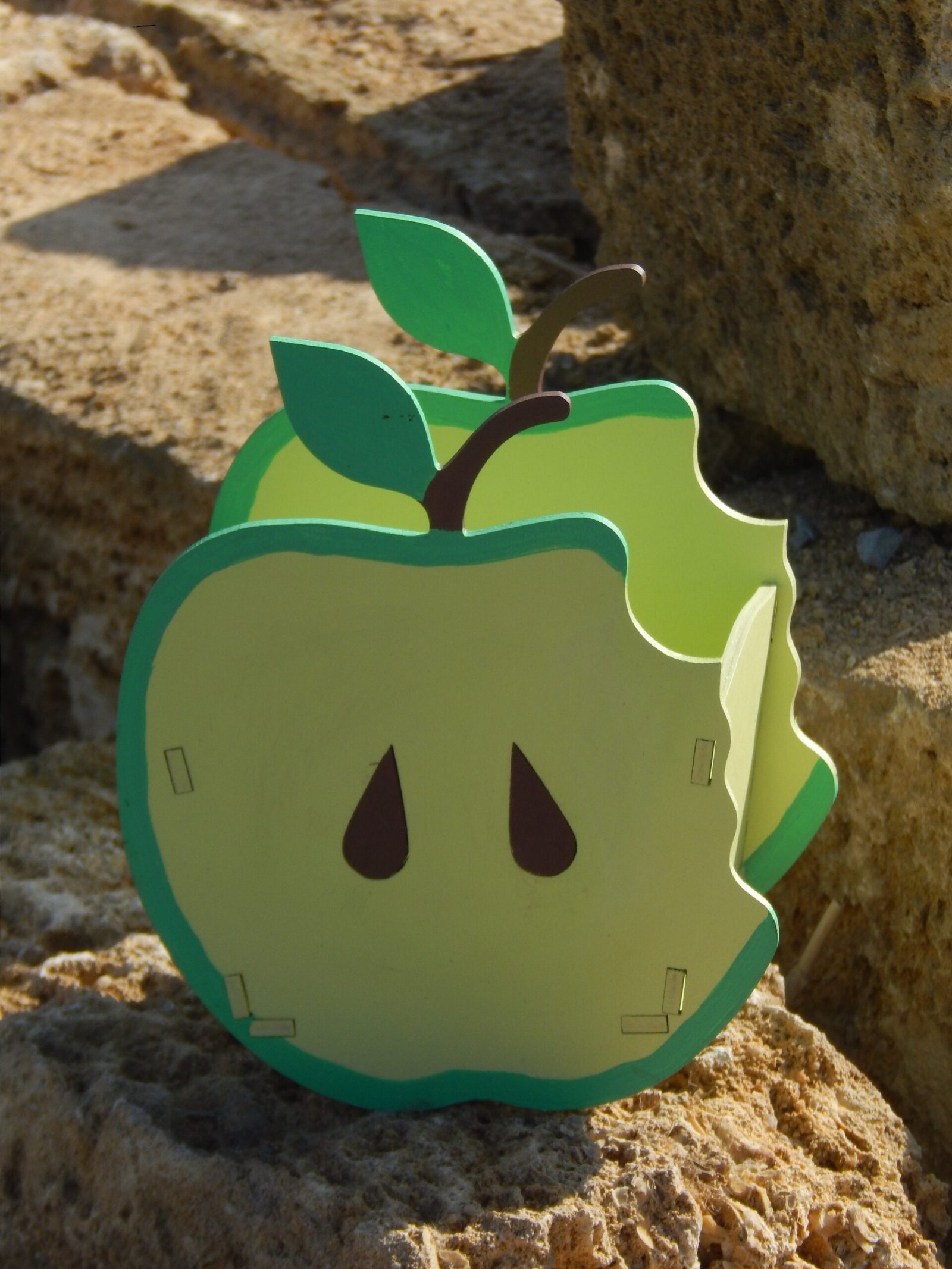
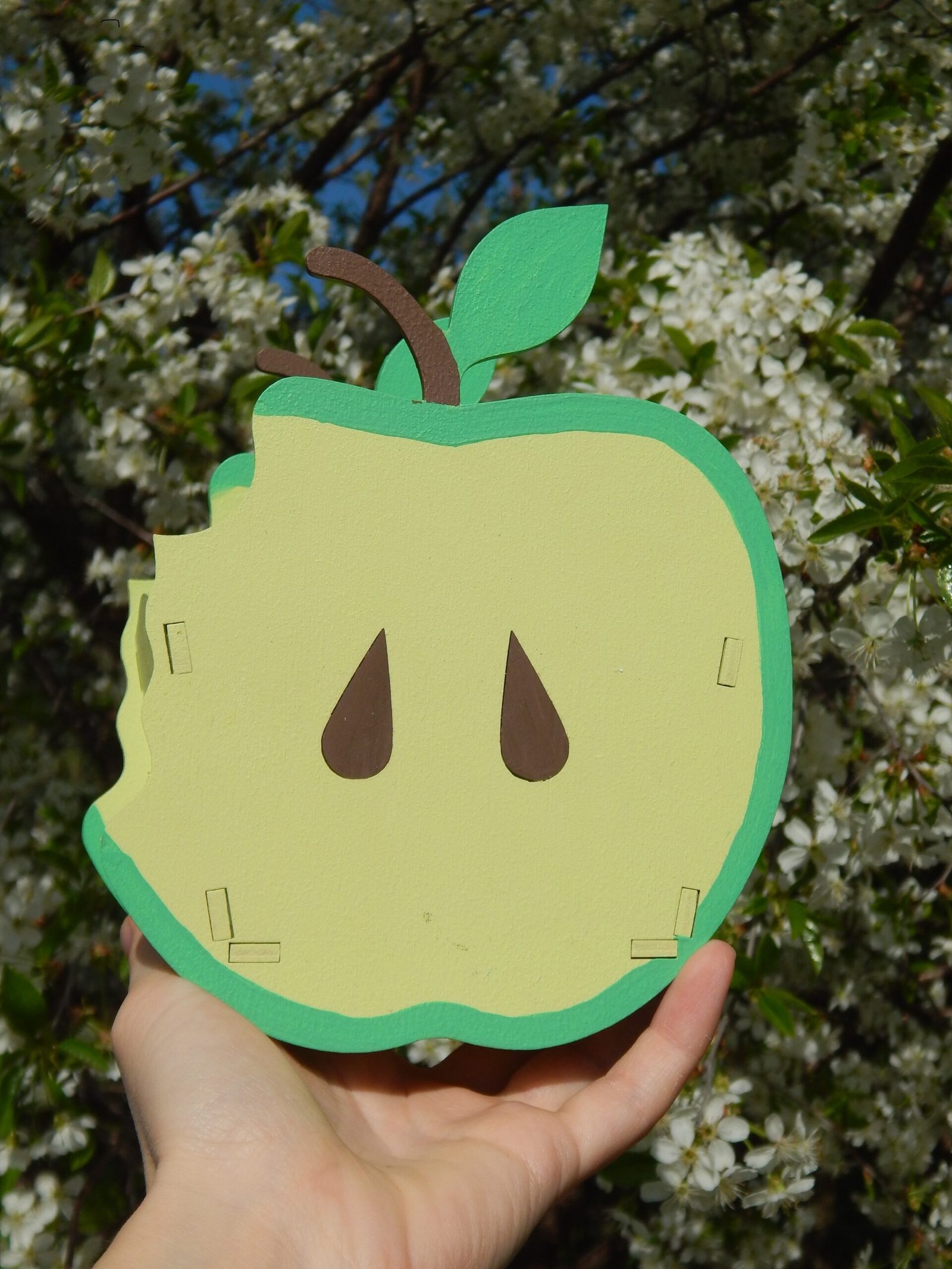
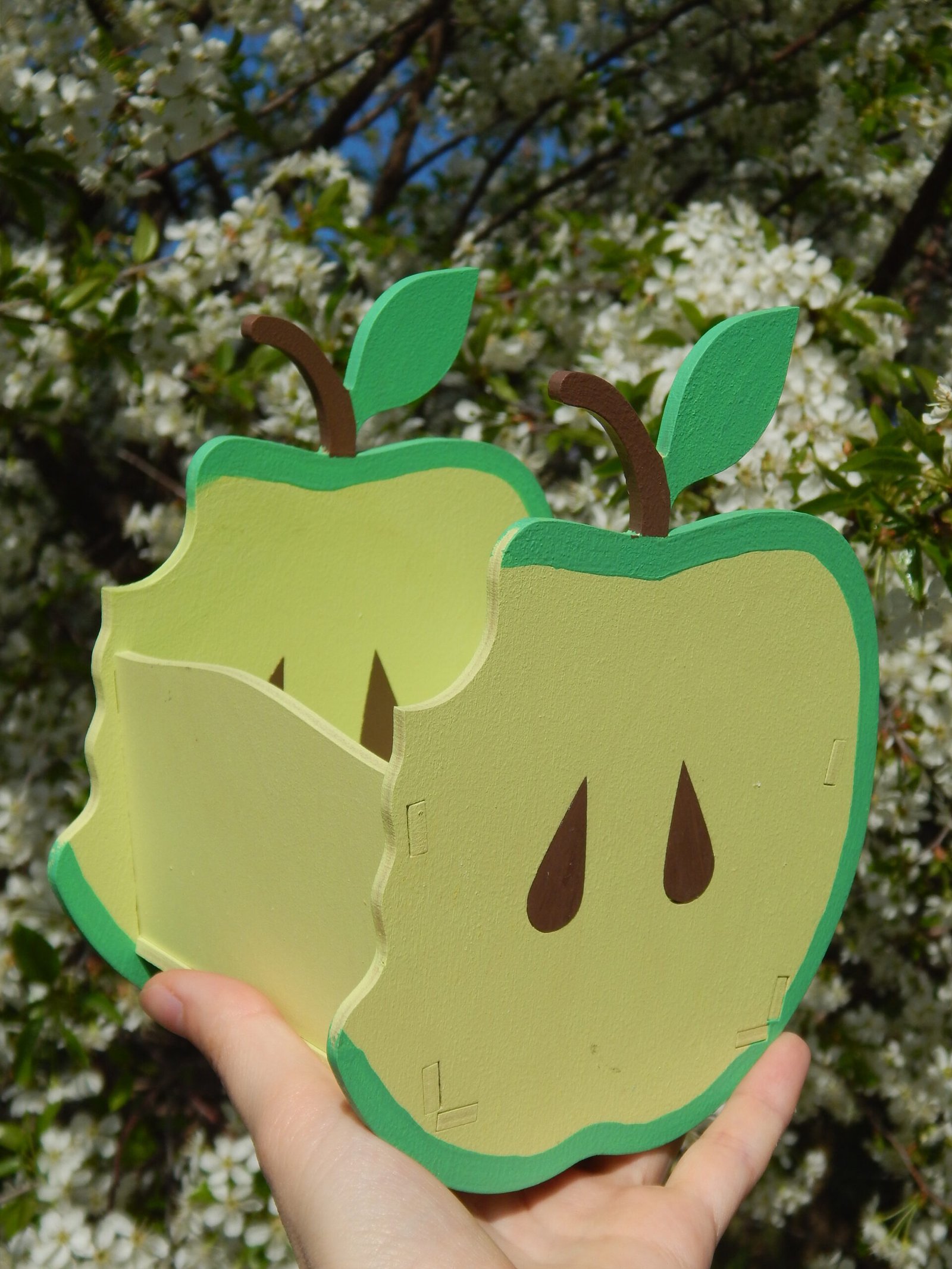
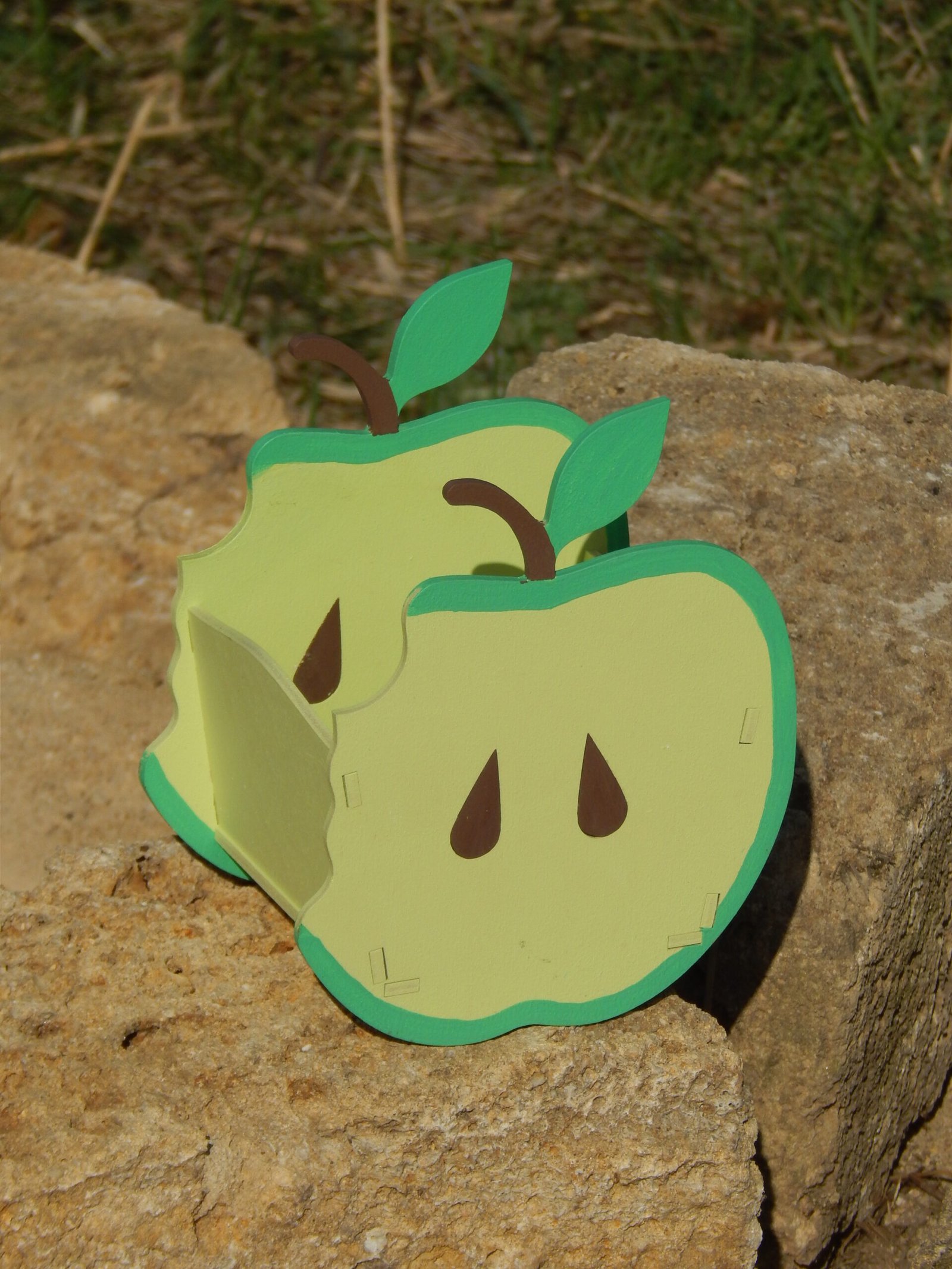
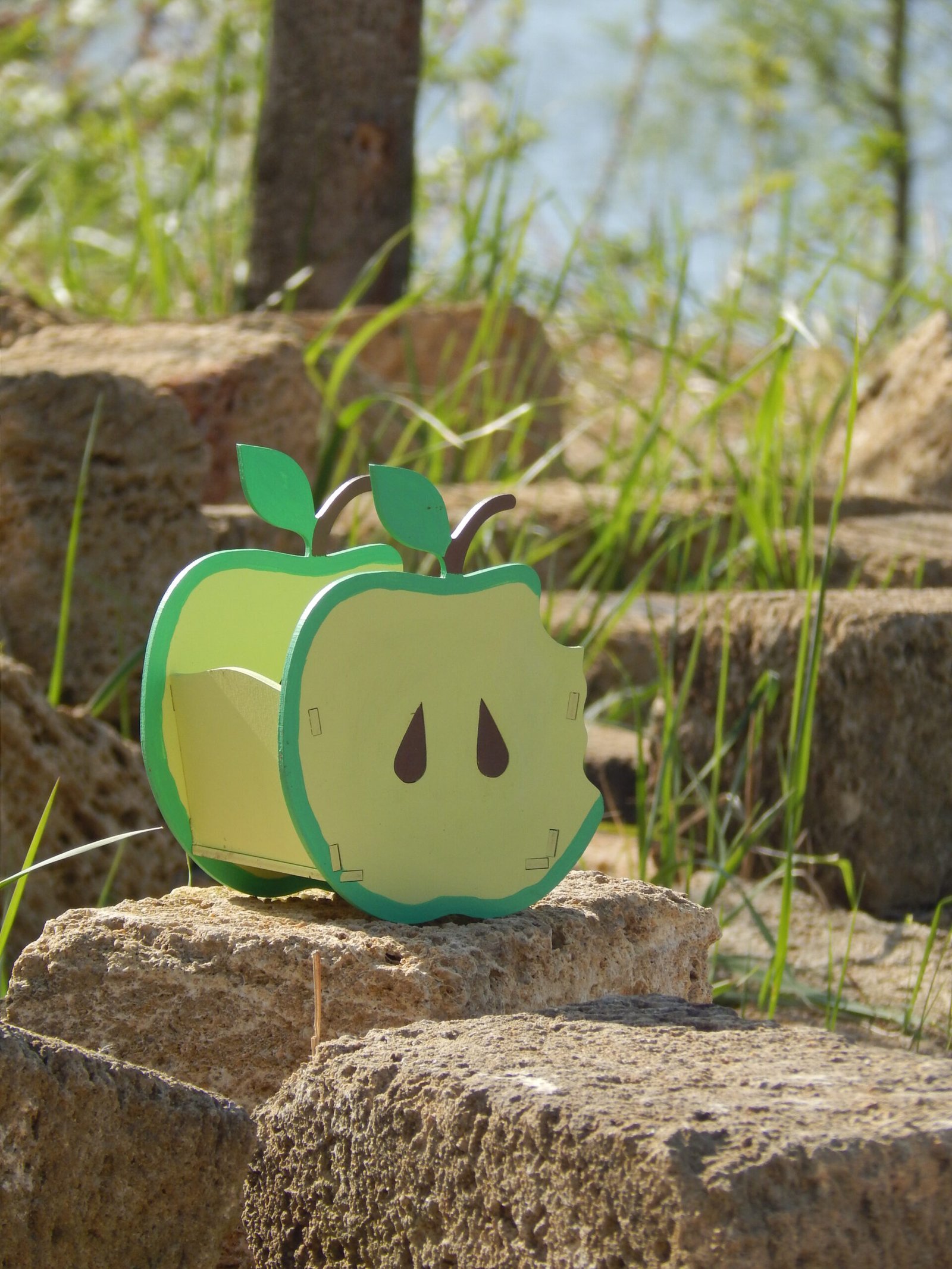
Apple box template laser cut file: a small wooden apple-shaped treat box with a bitten side, seed cut-outs and two leaves, in three sizes for 3, 4 and 6 mm material.
Assembled size
3 mm (1/8 in) → 81 × 75 × 130 mm · 3.2 × 3.0 × 5.1 in
4 mm (5/32 in) → 108 × 100 × 175 mm · 4.3 × 3.9 × 6.9 in
6 mm (1/4 in) → 162 × 150 × 262 mm · 6.4 × 5.9 × 10.3 in
Type: digital download, no physical item
Files: SVG, DXF, CDR, AI, PDF
Material: plywood or acrylic, 3 mm (1/8 in), 4 mm (5/32 in) or 6 mm (1/4 in)
Works with: Glowforge, xTool, LightBurn, CO2 and diode lasers
Description
This apple box template is a laser cut file for a small apple-shaped wooden box with a bitten side, two seed cut-outs and a pair of leaves. It is a slot-together design, so every part locks into the next one without extra hardware. Cut it from plywood or acrylic, fill it with sweets and you get a cheerful tabletop treat box for autumn, back-to-school season and teacher gifts. The apple box template comes in three ready-to-cut sizes, one for 3 mm, one for 4 mm and one for 6 mm material, so you can match it to the sheet you already have. Learn more about the process on the page about laser cutting.
Where to use the apple box template
- Teacher appreciation gifts filled with candy, notes or a small gift card.
- Back-to-school and classroom decor on a desk or shelf.
- Autumn and harvest table centerpieces and party favors.
- Kitchen counter candy dish or snack holder for everyday use.
- Craft fair and shop items, made with your own laser.
Why choose this apple box template
The apple outline is easy to recognize from any angle, and the bitten edge gives the box a playful look that still stays simple to cut. Two seed cut-outs on the sides keep the design light and let you see the sweets inside. The tabs are marked and sized for fast fitting, so a first-time maker can finish the box in a short session. Three sizes mean you can make a small candy dish from 3 mm material or a larger storage box from 6 mm. The files are clean vectors with separate parts, ready for your laser software without redrawing.
Technical details of the apple box template
What is included
- One apple box template with all parts for the box, the two leaves and the side panels.
- Three size layouts for 3 mm, 4 mm and 6 mm material.
- Five file formats: SVG, DXF, CDR, AI and PDF.
- Instant digital download. No physical item is shipped.
Dimensions (assembled)
- 3 mm (1/8 in): 81 × 75 × 130 mm, or 3.2 × 3.0 × 5.1 in.
- 4 mm (5/32 in): 108 × 100 × 175 mm, or 4.3 × 3.9 × 6.9 in.
- 6 mm (1/4 in): 162 × 150 × 262 mm, or 6.4 × 5.9 × 10.3 in.
File formats
- SVG for most laser software and Glowforge.
- DXF for CAD programs, LightBurn and CNC routers.
- CDR for CorelDRAW.
- AI for Adobe Illustrator.
- PDF for quick viewing, printing and scaling checks.
Compatible machines
Glowforge, xTool, Epilog, Trotec, OMTech, Ortur, Sculpfun and other CO2 and diode lasers that accept SVG, DXF, CDR, AI or PDF vector files. A CNC router can also cut the parts when the bit diameter is set in the toolpath.
Compatible materials
Plywood, MDF and acrylic in 3 mm, 4 mm or 6 mm. Measure your sheet with calipers before you start, because real thickness can differ slightly from the label.
How it works
- Buy and download the files. Pick the format your software opens best.
- Import the apple box template, choose the size layout that matches your material and run a test cut on scrap if the sheet is new to you.
- Cut the parts, sand the edges lightly and dry-fit the box before you paint or stain it.
Assembly and finishing tips
Start with the two big apple sides and slide the bottom and the inner panels into their slots. Check that every tab seats fully before you add the leaves. Paint the leaves green and leave the body natural, or color the whole apple red or green for a classic look. Finish with clear matt varnish. If you plan to fill the box with food, wrap the sweets or use a food-safe liner, because raw wood should not touch unwrapped food.
License
You may use the files of this apple box template to make and sell physical products with your own laser, including at craft markets and in online shops. Please do not resell, share or redistribute the digital files themselves. If you need a custom size or help opening a file, send a message and I will be glad to help.
FAQ
What do I receive with this apple box template?
You receive a digital download with the files in SVG, DXF, CDR, AI and PDF formats. No physical item is shipped.
Which thickness should I choose for the apple box template?
Pick the layout that matches your sheet: 3 mm for the small box (81 × 75 × 130 mm), 4 mm for the medium box (108 × 100 × 175 mm) or 6 mm for the large box (162 × 150 × 262 mm).
What can I put in the apple box?
Wrapped candies, chocolates, cookies, nuts, small gifts and notes all work. Use wrapped sweets or a food-safe liner for food.
Can I sell apple boxes made from this file?
Yes, you can sell the finished physical boxes that you cut yourself. You may not resell or share the digital files.
More laser cut files
Browse more gift and party favor boxes and storage boxes and organizers. For another fruit-shaped treat holder, see the hedgehog candy bowl, or read our laser cut wedding card box ideas for more party table projects.
Reviews
There are no reviews yet.