


Tricycle Plant Stand SVG – Flower Cart Laser Cut File (DXF, CDR, AI, PDF)
3,99 $
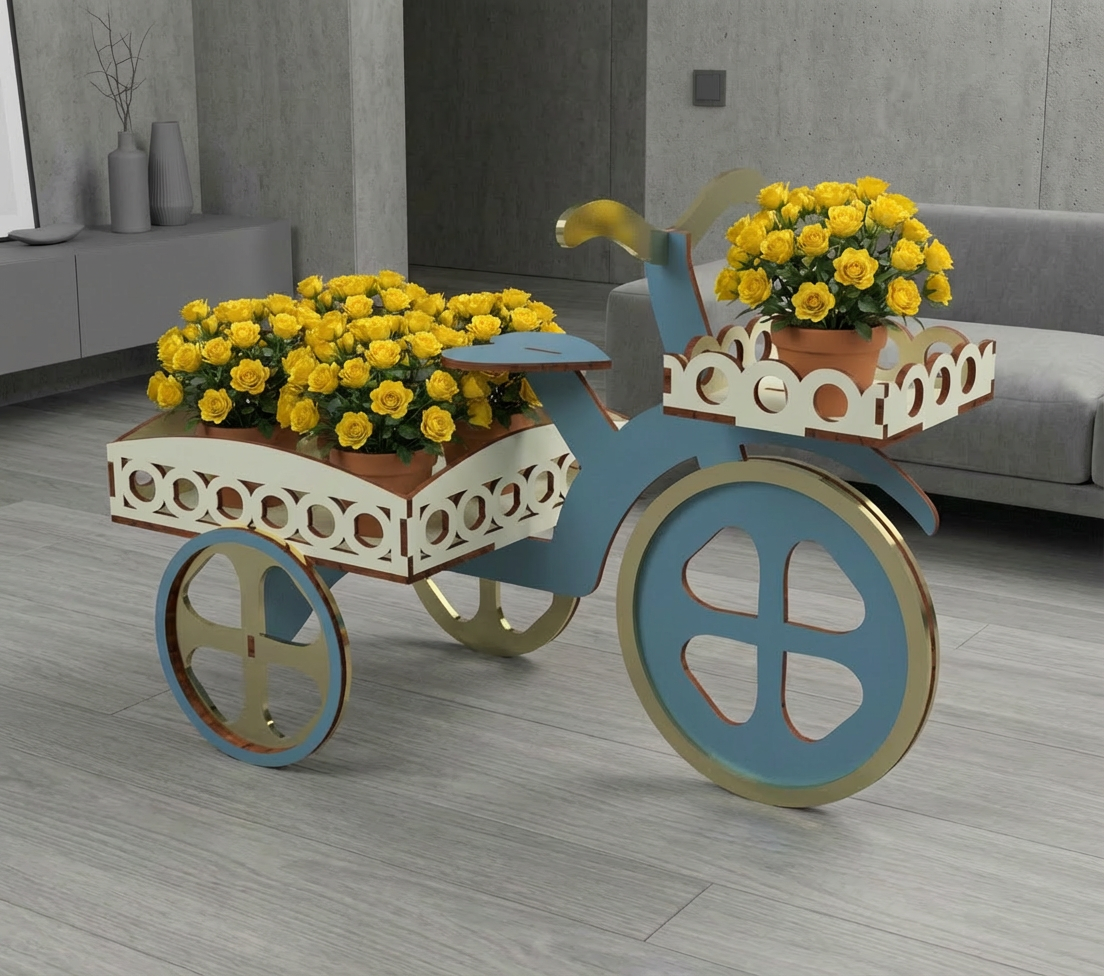
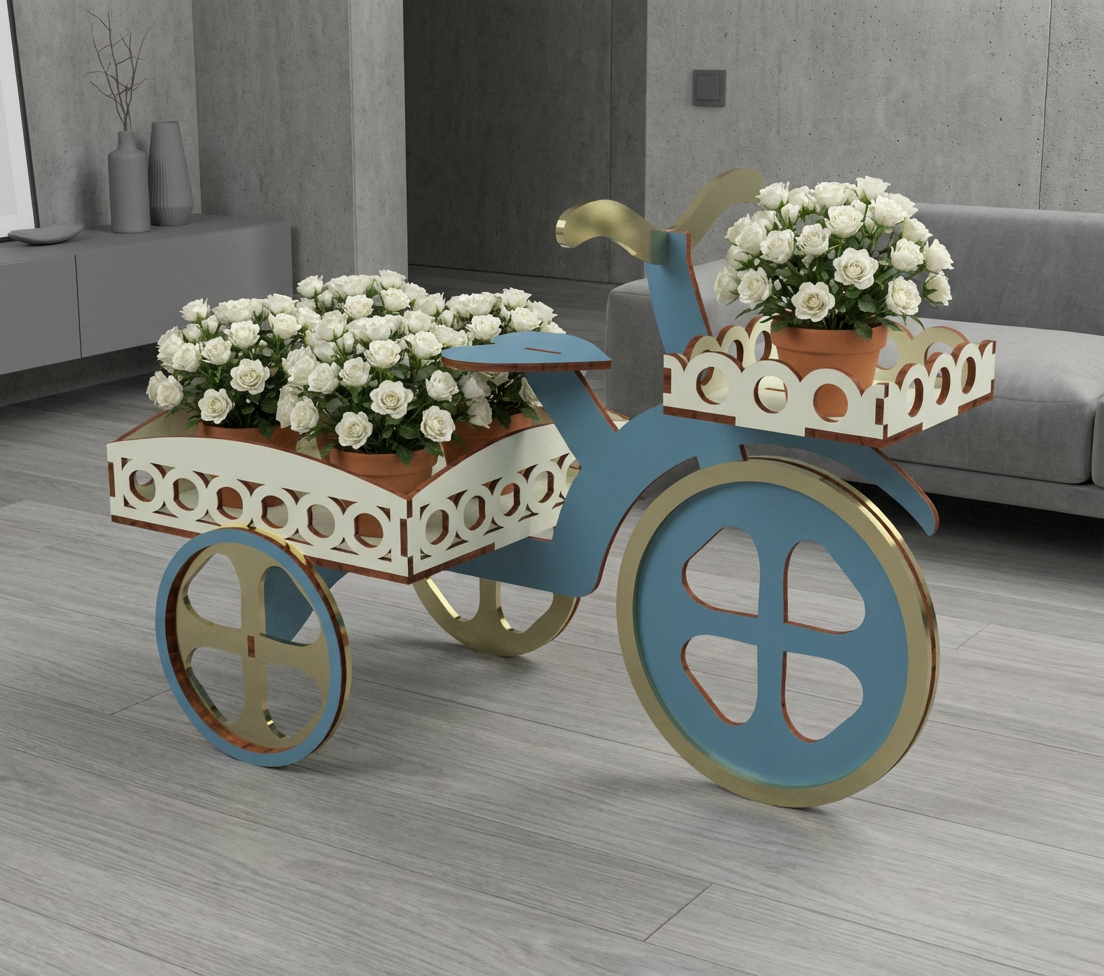
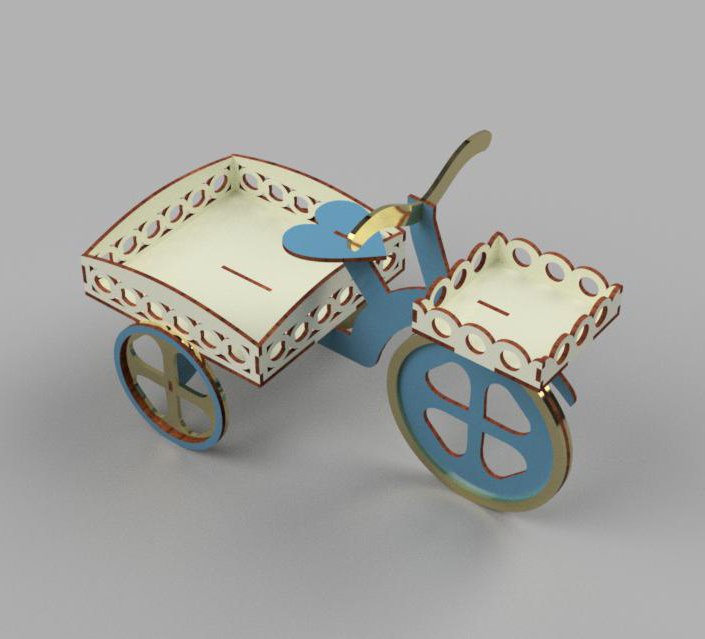
This laser cut tricycle plant stand SVG builds a wooden tricycle with two open display boxes, from 3 mm material, in 3 parts from 80 to 304 mm.
Assembled size
Small box: 80 × 80 × 22 mm → 3.1 × 3.1 × 0.9 in
Large box: 140 × 140 × 40 mm → 5.5 × 5.5 × 1.6 in
Tricycle: 304 × 145 × 212 mm → 12.0 × 5.7 × 8.3 in
Type: digital download, no physical item
Files: SVG, DXF, CDR, AI, PDF
Material: plywood or acrylic, 3 mm
Works with: Glowforge, xTool, LightBurn, CO2 and diode lasers
Description
This tricycle plant stand SVG is a ready-to-cut laser file for a charming wooden tricycle with two open display boxes, one small and one large. It is a digital download, so no physical item ships: you receive the vector files, cut the parts on your own laser and assemble a decorative stand with a vintage flower-cart look. The design is made for 3 mm material and goes together as a slot-and-tab puzzle, with nothing extra to prepare once the parts are cut.
Where to use this tricycle plant stand SVG
- Porch, patio and balcony decoration for spring and summer
- Window sill or shelf display for small pots and seasonal arrangements
- Wedding, birthday and shower table decor
- Shop windows, cafes and flower studios that want a handmade look
- Gifts for gardeners, grandparents and anyone who loves vintage garden style
- Craft fair and market products you can cut in small batches
Why choose this tricycle plant stand SVG design
The tricycle plant stand SVG shape is recognisable from across the room, yet the parts are simple enough for a first project. The front wheel, frame, handlebar and saddle form a stable body, while the two display boxes sit on the rear axle area and at the front, giving you two levels to decorate. Both boxes have a lace-style perforated pattern on the sides, which looks delicate and also saves material. Because this tricycle plant stand SVG is built from a few well-fitted layers, it stays rigid and does not wobble when you place a small pot inside.
Every file is a clean vector, ready for any laser software. You can scale the model, change the material, or paint the parts before assembly. Plywood gives a warm natural look, while acrylic or painted MDF suits modern interiors. If you like garden projects, browse our planters and flower pots collection, or see the matching laser cut bicycle planter for a different take on the same idea.
Technical details of the tricycle plant stand SVG file
What is included: one cutting layout for the tricycle body, one small box and one large box, supplied in five vector formats.
Recommended material thickness: 3 mm (1/8 in). Plywood, MDF and acrylic all work. If your sheet is slightly thicker or thinner, adjust the kerf or scale the file.
Assembled dimensions:
- Small box: 80 × 80 × 22 mm (3.1 × 3.1 × 0.9 in)
- Large box: 140 × 140 × 40 mm (5.5 × 5.5 × 1.6 in)
- Tricycle: 304 × 145 × 212 mm (12.0 × 5.7 × 8.3 in)
File formats: SVG, DXF, CDR, AI and PDF. Use SVG or DXF for most laser software, CDR for CorelDRAW, AI for Adobe Illustrator and PDF for a quick preview or printing.
Compatible machines: Glowforge, xTool, LightBurn-driven CO2 lasers and diode lasers, plus most CNC routers that accept vector input.
Level: easy to intermediate.
How it works
- Buy and download. Complete checkout and download all five formats from your account right away, with no waiting and no limit on downloads.
- Cut the parts. Open the file in your laser software, set the power and speed for 3 mm material, and cut. Test a small piece first to confirm the fit.
- Assemble and decorate. Press the pieces together, starting with the frame and wheels, then add the boxes. Finish with paint, stain or leave the wood natural.
Assembly and finishing tips for the tricycle plant stand SVG
Cut the tricycle plant stand SVG parts, then sand the edges lightly after cutting to remove any soot, especially on plywood. Cut the wheels and frame first and dry-fit them before you cut the rest, so you can adjust the kerf if needed. A thin coat of clear varnish protects the wood and brings out the grain. If you place the stand outdoors, choose weather-resistant material or keep the model under cover, since plywood does not like standing water. For indoor use, a small liner inside each box keeps soil and moisture away from the wood. Painting the wheels in a contrasting colour gives the model a bright, playful accent that suits spring displays.
License and support for the tricycle plant stand SVG
You may use the files to make and sell physical products with your own laser, including at craft markets and in online shops. Please do not resell, share or redistribute the digital files themselves. If you need a custom size or help opening a file, send a message and I will be glad to help.
Frequently asked questions
Is this tricycle plant stand SVG ready to cut?
Yes. The files are clean vectors with the parts laid out for cutting, so you only set your material and start the job.
What do I receive after purchase?
You receive a digital download with five vector formats: SVG, DXF, CDR, AI and PDF. Nothing is shipped.
Which laser machines does it work with?
It works with Glowforge, xTool, LightBurn-based CO2 lasers, diode lasers and most CNC routers that read vector files.
What material thickness should I use?
The design is made for 3 mm (1/8 in) plywood, MDF or acrylic. For other thicknesses, adjust the kerf or scale the file.
Can I change the size?
Yes. The files are vectors, so you can scale them. Keep the proportions and re-test the fit if you change the material thickness.
More laser cut ideas
Looking for projects like this tricycle plant stand SVG? Explore 3D wooden puzzles and models, practical storage boxes and organizers, and our laser cutting guides for material and settings advice. New to the craft? Read the overview of laser cutting first.
Related products
-
Sale!
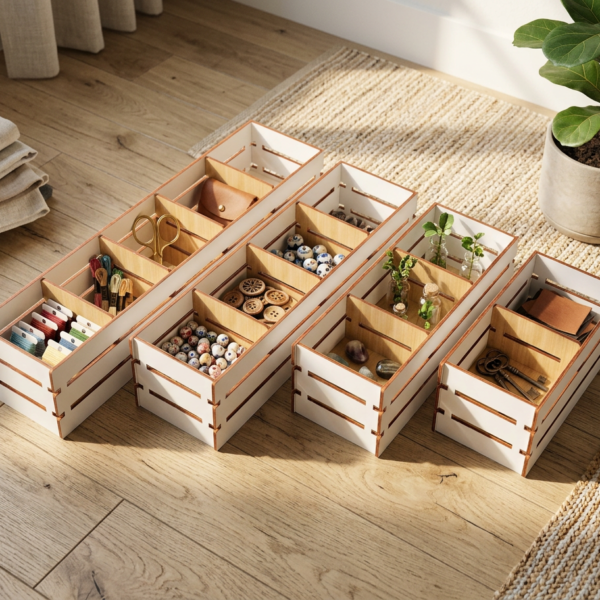
Desk Organizer Laser Cut SVG – Wooden Crate Bundle of 4 (DXF, CDR, AI, PDF)
Original price was: 3,29 $.1,00 $Current price is: 1,00 $. -
-

-

Reviews
There are no reviews yet.